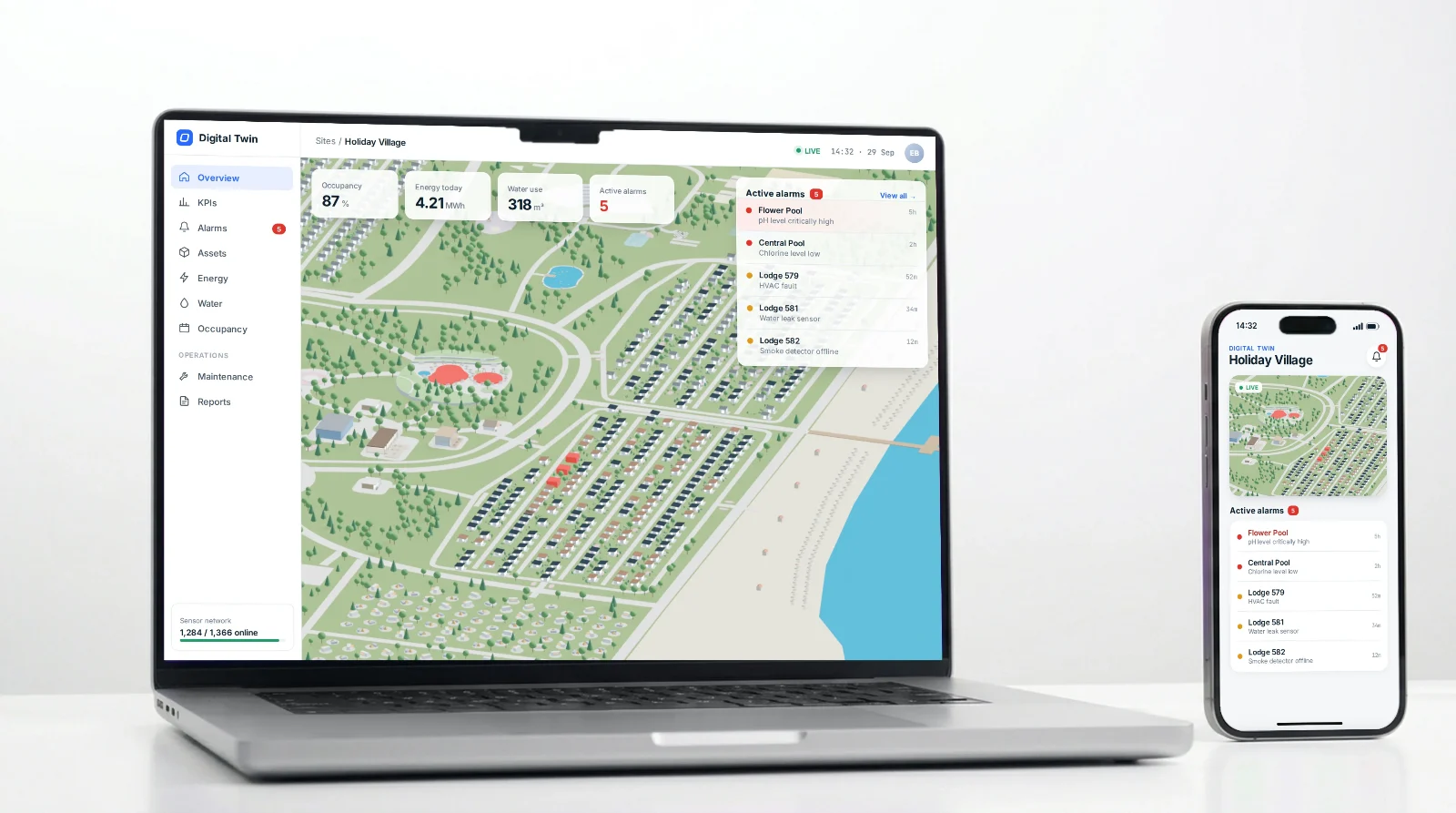
A live 3D replica of a real holiday village, giving its data spatial context for remote control.
Discipline
3D · Digital twin
Motion
Software
Blender (EEVEE)
Context
Client project
WEL Srl
01 — Overview
Making a place legible from a distance — every cottage, pool and pathway, readable and responsive in one living model.
Challenge
Running a holiday village of more than 800 lodges means spotting issues, maintenance needs and consumption changes the moment they happen. But the existing dashboards reduced the entire site to lists and IDs, so staff had to work out where a problem was before they could act on it.
Solution
A digital twin: a live online replica of the village that places every alert back in its physical location, so problems are seen where they happen and managed remotely from one spatial view. In collaboration with the development team, who built the live data integration.
My Role
•Concept Design
•3D Modelling
•Visual Style
•Animation Design
•Web Optimisation
•Georeferencing
02 — Site Plan
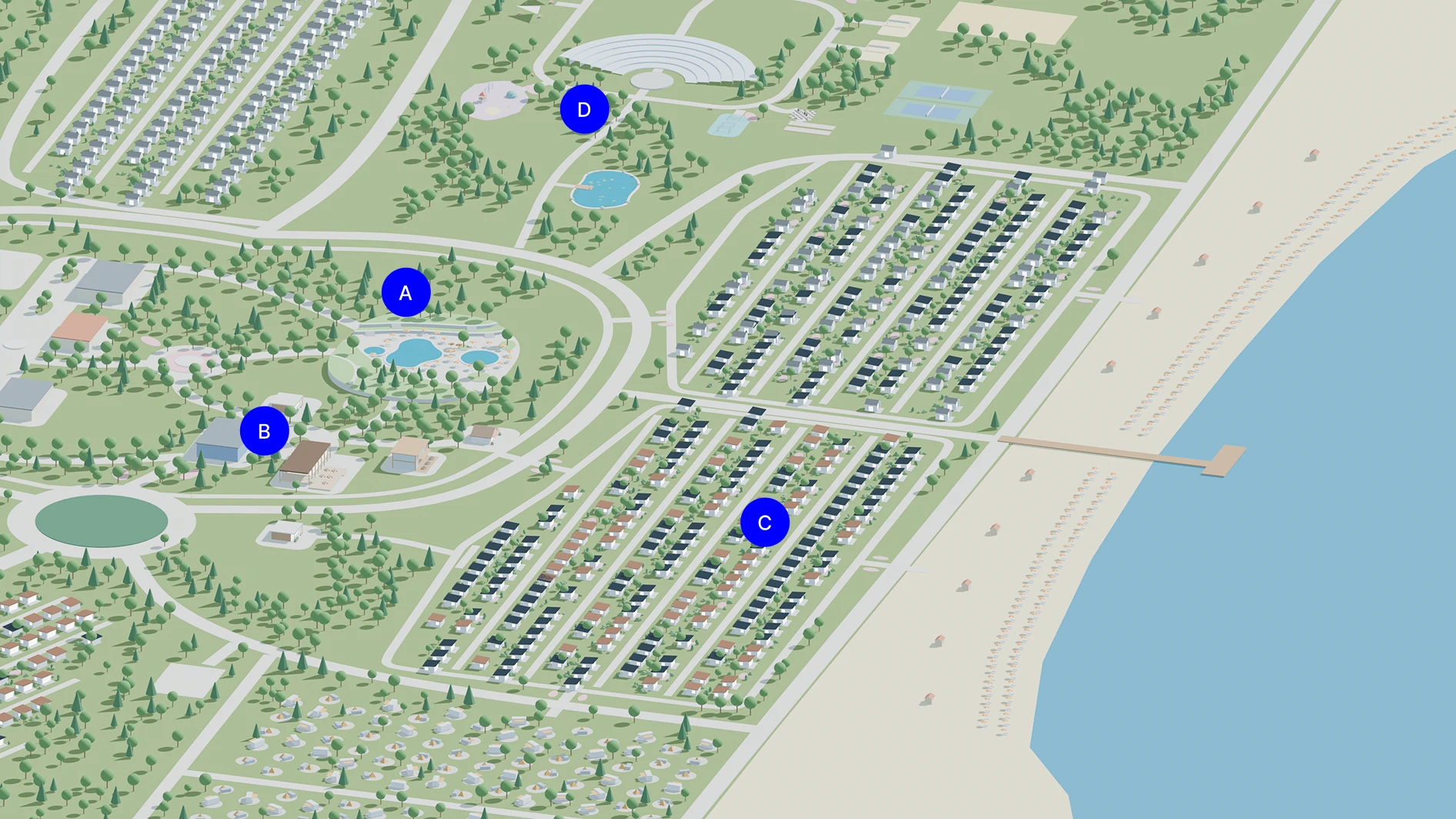
ABCD
Staff needed to recognise the village at a glance, so the model had to feel like the real place rather than a diagram.
Zones
APools & water
BShared Buildings
CLodges
DRecreation & Entertainment
03 — Visual language
Simple forms, clear colours, read at a glance.
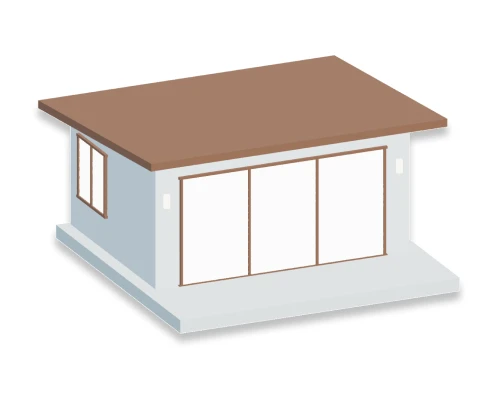
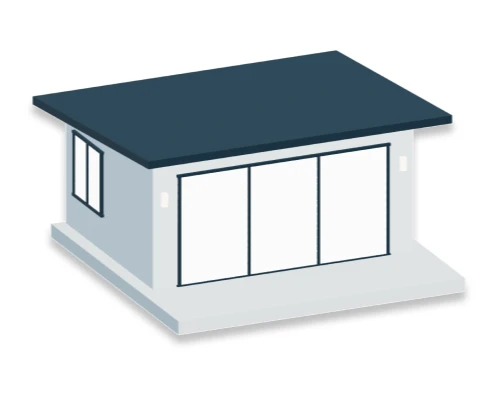
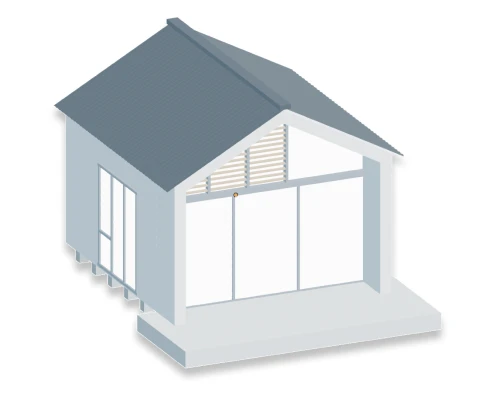
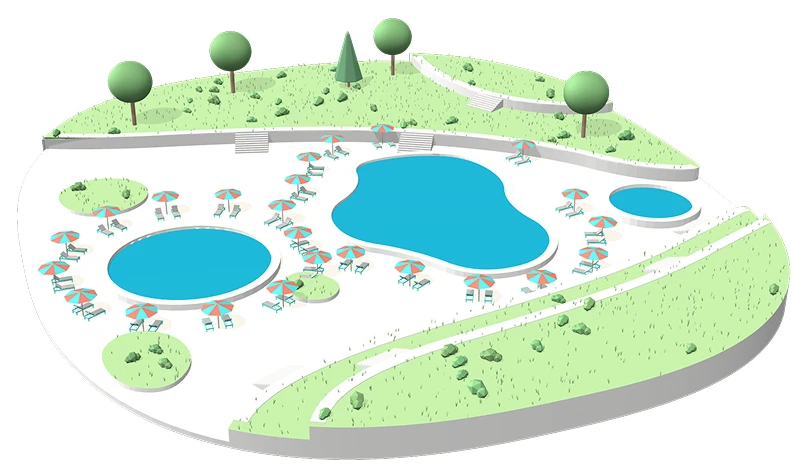
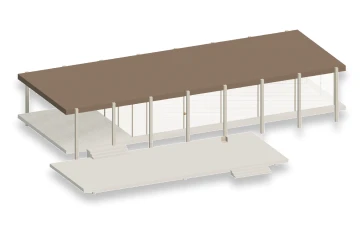
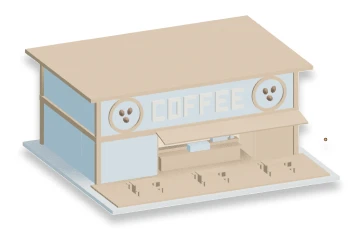
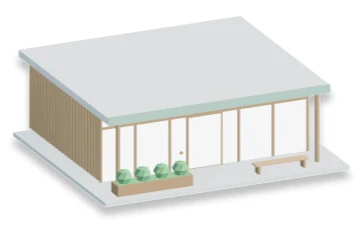
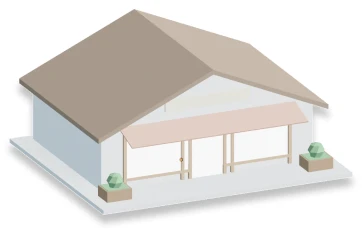
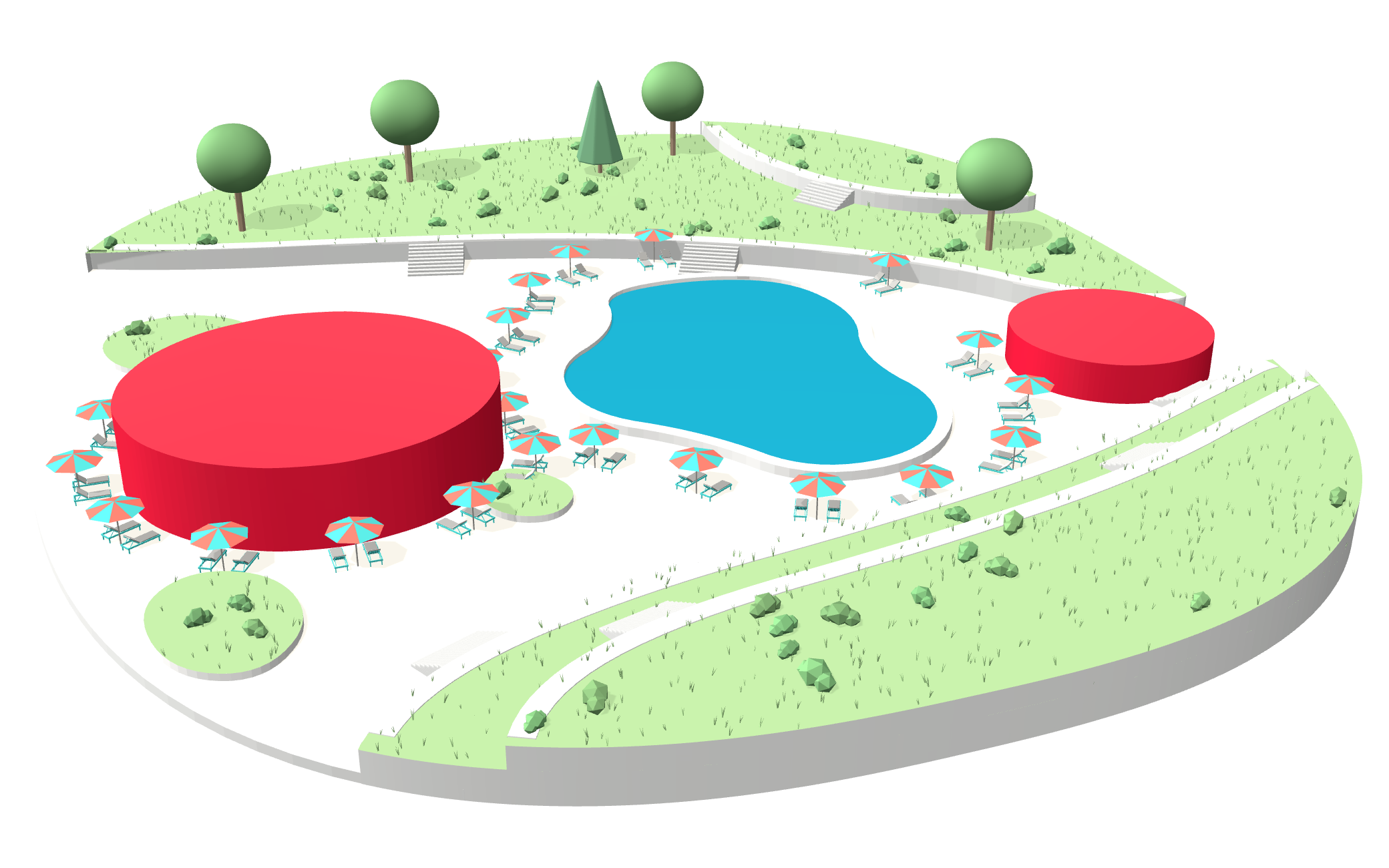
A visual language built for quick recognition: a Mediterranean palette, symbolic landscape cues, only 3 types of lodges and more expressive shared buildings.
Lodge Types
Pool Area
Shared Buildings
Palette
8B7664
A57F6A
A79A8C
DBC9B3
DDE0E0
CAF3AD
719F68
9DDB91
1EB9D9
FFFFFF
04 — Interaction
Alarms you can locate.
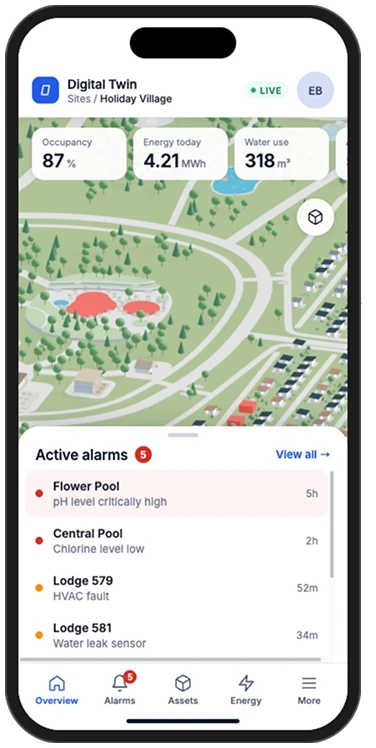
The app places every alert in the model itself, so an operator sees not just what is wrong, but where.
Alarm states
NormalAsset reporting as expected.
WarningSomething to check soon.
AlarmNeeds action now — highlighted in the model.
Select a red alarm
05 — Web Optimisation
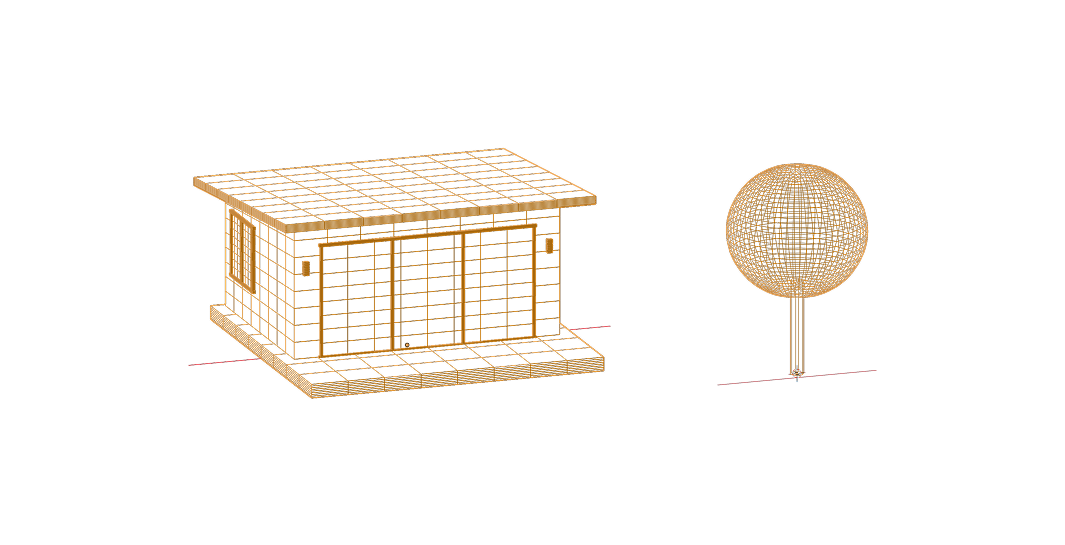
Running a site of more than 800 lodges smoothly in a browser usually means reducing it to grey boxes. The aim was the opposite: simplify the geometry, not the aesthetics, so the model stays light enough to load quickly without losing its visual style.
nearly
80%
lighter than the original model
about
5 s
to load on a standard office connection
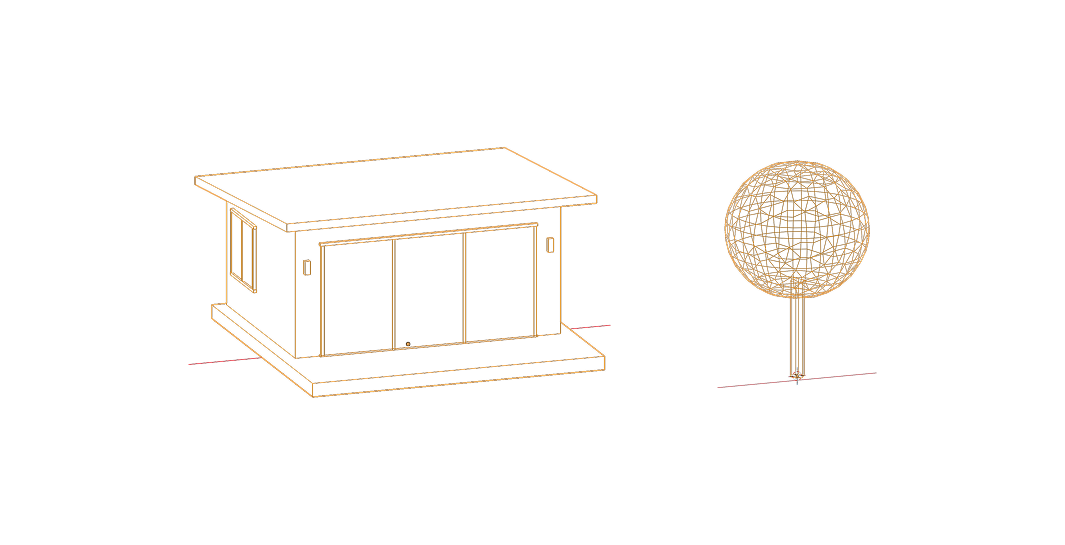
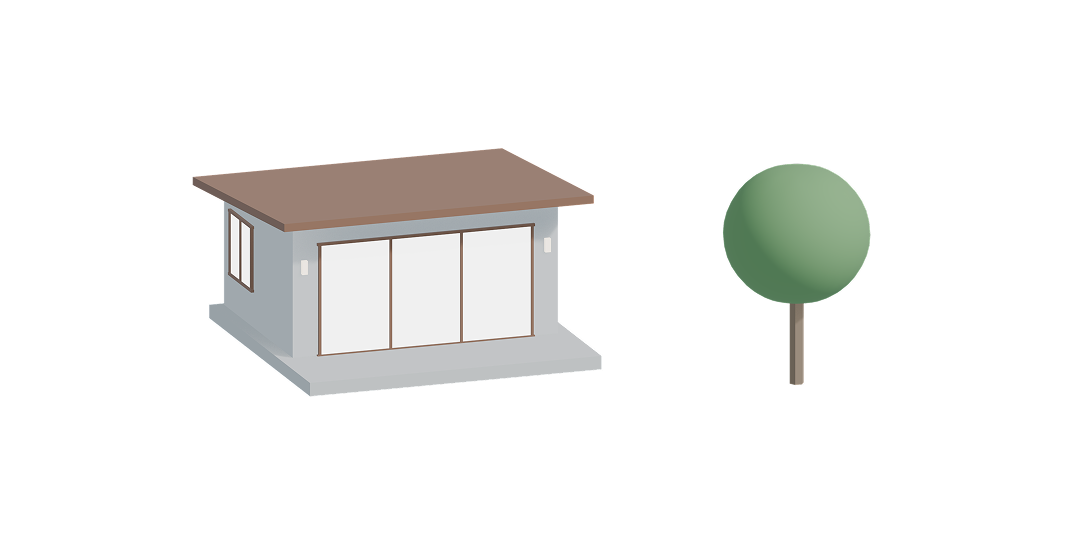
Decimation, step by step
LodgeTree
Before decimation
How it stays light
1
Flat colours
No image textures: every surface is a flat colour, a deliberate choice that keeps the file small and the look graphic.
2
Decimation
Polygon counts were reduced through decimation.
3
One shared lodge
All lodges share a single geometry.
4
Merged objects
Objects that don’t need to be selected were merged into fewer pieces for the browser to draw.
5
Minimal details
Secondary details such as trees and sunbeds were kept to a minimum.
06 — Live Data Integration
The model was built not only to be seen, but to be read by code: every asset, block and animation was prepared so the developers could connect each one to its live data.
Alongside the visual model, I created the hover and alarm blocks, plus KPI blocks that reveal an asset’s water and energy consumption when clicked, together with their animations, while the developers controlled when and how they play in Three.js. Every block followed a strict naming system, matching its asset and animation exactly, so the code could pair each lodge with its own data, states and motion. Each asset also had its own separate material, so the developers could control every asset individually.
07 — Georeferencing
At real size, the model was too big for the web app. Scaling it down made it fit, but its coordinates no longer matched the real world, so every conversion had to include the scale factor.
Three coordinate systems had to speak to each other: Blender’s XYZ (a real-scale model built from SHP data organised in QGIS), real-world longitude and latitude, and the relative coordinates used by Three.js. With my developer colleague, we built small web-based conversion tools: he created the one that turns longitude/latitude or XYZ into relative coordinates, and I created the reverse, turning relative coordinates back into longitude and latitude while scaling back up to real size. We tested them on a corner of our office garden, recording its real coordinates on site and checking that the conversions led back to the same spot, before my colleague integrated them into the Three.js application.
08 — Outcome
Managers began spotting issues more readily.
Information that once had to be traced from a list to a location now appeared exactly where it was happening. The same approach was then applied to a second village run by the same company.